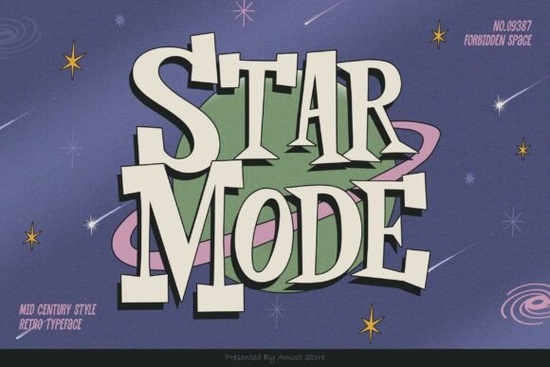
If you're looking for a retro font that feels authentic not just “vintage-inspired” but genuinely evocative of mid-century design, Star Mode Font is worth your attention. It’s not overly ornate or cartoonish; instead, it carries the clean geometry and quiet confidence of 1950s American signage, advertising, and packaging. Designers working on café menus, craft fair banners, greeting cards, or small-batch apparel often find it fits naturally especially when they want warmth without fuss.
What makes Star Mode different from other retro fonts?
Many retro fonts lean heavily into either kitsch or strict historical replication. Star Mode lands in the middle: it’s a slab-serif with subtle personality slightly condensed letterforms, even stroke contrast, and open counters that keep it legible at smaller sizes. Unlike some display fonts that lose clarity below 36pt, Star Mode holds up well on product labels, iron-on transfers, or vinyl decals even at 24pt with careful spacing.
It also pairs intuitively with classic script fonts (think flowing cursive or brush-style lettering), making it ideal for wedding invites, boutique branding, or handmade soap labels where you want contrast without visual tension. You’ll notice it doesn’t compete it supports. That’s rare in display typefaces.
Who uses Star Mode and where does it work best?
Small business owners and print-on-demand sellers tell us they reach for Star Mode when designing:
- Coffee shop chalkboard-style menus or seasonal specials
- Vinyl wall quotes for nurseries or home offices
- Sticker sheets for planners or bullet journals
- Embroidery digitizing projects (thanks to its strong, uncluttered shapes)
- Minimalist t-shirt prints especially for lifestyle or retro-themed brands
Because it’s a single-weight slab serif, it’s not meant for long paragraphs or body text. But as a headline, logo lockup, or accent word (“OPEN,” “EST. 1972,” “FRESHLY BAKED”), it adds grounded, approachable character. Crafters using Cricut or Silhouette machines appreciate how cleanly its outlines cut no thin serifs or fragile terminals to snag or overcut.
How does it compare to similar fonts on Creative Fabrica?
If you’ve browsed our slab-serif fonts collection, you’ll spot differences right away. Compared to bolder, more industrial slab serifs like Bold Block Slab Font, Star Mode feels lighter and more human-scaled. Against softer retro options like Sunset Script Font, it provides clear typographic hierarchy perfect for pairing, not competing.
It’s also optimized for common creative software: includes standard OpenType features (ligatures, stylistic alternates), works smoothly in Canva, Adobe Illustrator, and Affinity Designer, and comes with both OTF and TTF files no surprises during upload or export.
Practical tips before you download
Before adding Star Mode Font to your next project, try these low-effort tests:
- Check spacing first. Its default tracking may feel tight in all-caps headlines add 50–100 units of letter-spacing for better rhythm.
- Test color contrast. Works especially well on muted backgrounds (sage, oat, terracotta) or crisp white avoid busy textures behind it.
- Try layering. Overlapping Star Mode with a light halftone texture or subtle grain overlay can deepen its retro feel without extra plugins.
- Pair it simply. A relaxed script like Luna Hand or neutral sans like Quicksand balances it without distraction.
One thing users consistently mention: Star Mode doesn’t shout. It invites. That makes it useful across seasons and trends not just for “retro” collections, but for any brand or project valuing clarity, calm confidence, and quiet craftsmanship.
Next step: Download Star Mode Font, open a blank document, and set “Welcome” or “Now Open” in 48pt. Adjust tracking, try two background colors, and see how quickly it sets a mood no extra assets needed.
Try It Free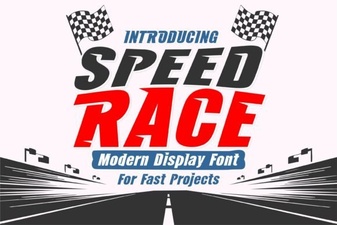 Speed Race Fonts for Your Next Creative Project
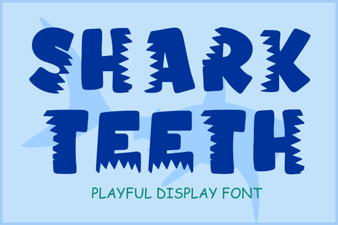 Design Your Project with Shark Teeth Font
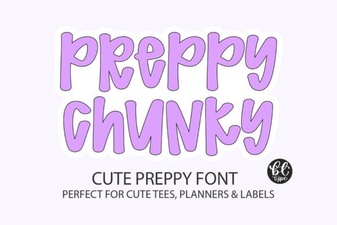 Chunky Preppy Fonts for Bold & Bright Designs
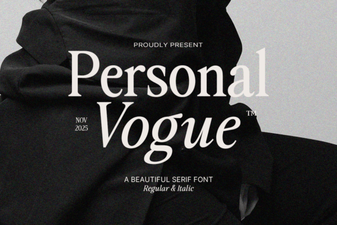 Personal Vogue Font Design & Inspiration
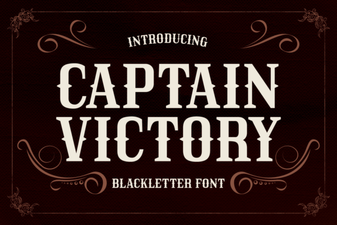 Captain Victory Font for Your Boldest Design Projects
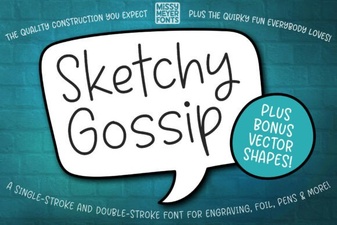 Design Projects Using Sketchy Gossip Font